
Logistics is not available for Respiratory studies.
|
Logistics is not available for Respiratory studies. |
To check your shipping status:
Click the Devices & Supplies tab in the navigation panel to open the Logistics window. By default, the Supply Ordering tab displays (your Portal Administrator may rename the tab; for example, Logistics).
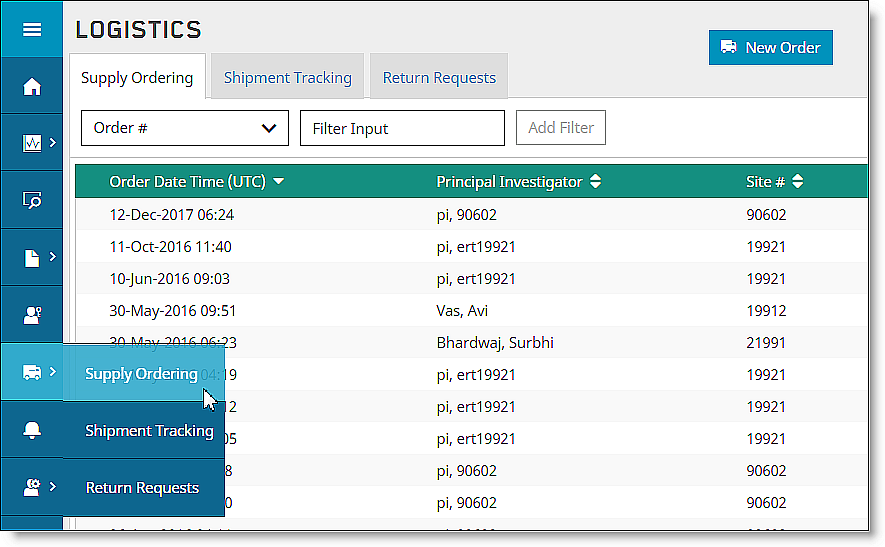
Click the Shipment Tracking tab to display the Shipment Tracking window.
Click the row of the shipment for which you want information.

The Shipment Details window displays.
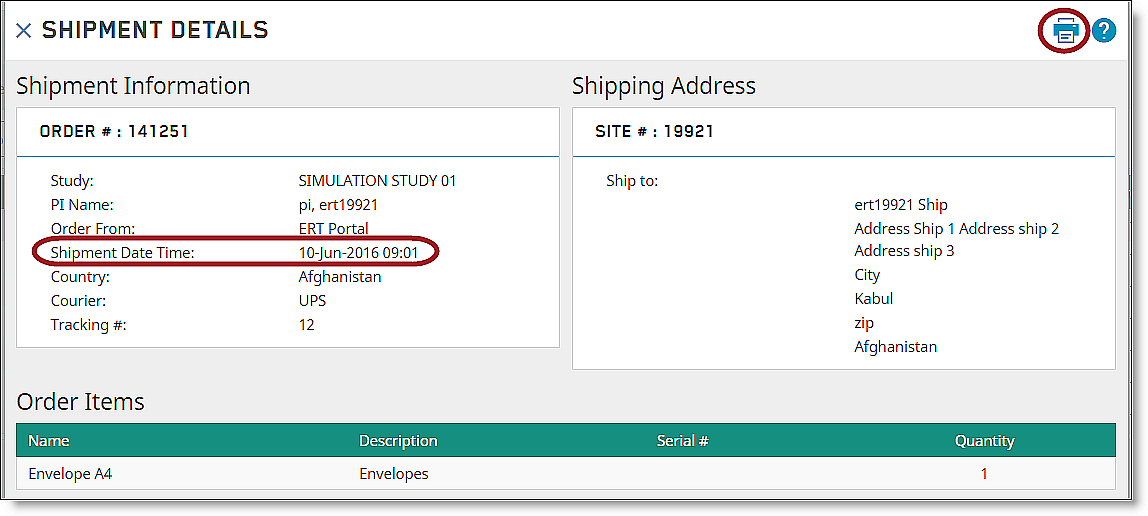
The top area has the Shipment Information, including useful items like Shipment Date, Time, and Shipping Address. The bottom area has the Order Items, including useful information, such as the Serial Number and the Quantity ordered.
Click the Print icon to print the screen.

