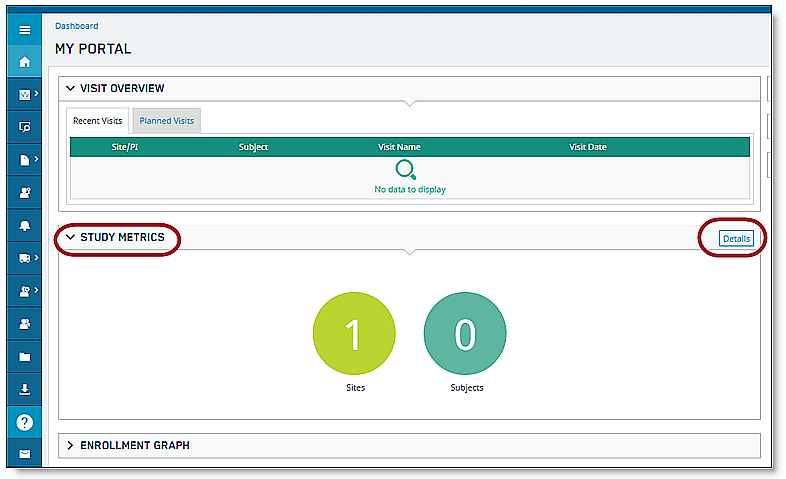
1. On the main Portal Dashboard, scroll down until the Study Metrics widget is visible.
2. After locating the Study Metrics widget, click Details.
A new Study Metrics window displays, providing the ECG data pertaining to the study, as well as total number of sites and subjects.
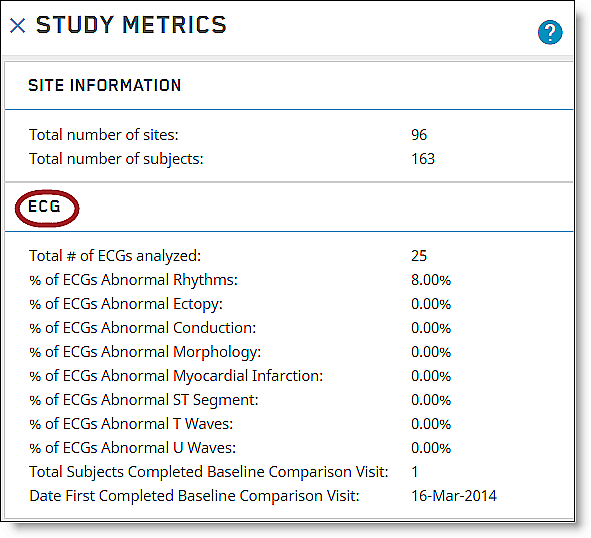
3. After you have finished viewing the Study Metrics, click the X to close out and return to the main Dashboard.
Note: For studies with non-ECG data types, only the Site information section will show when you open the study metrics widget. |